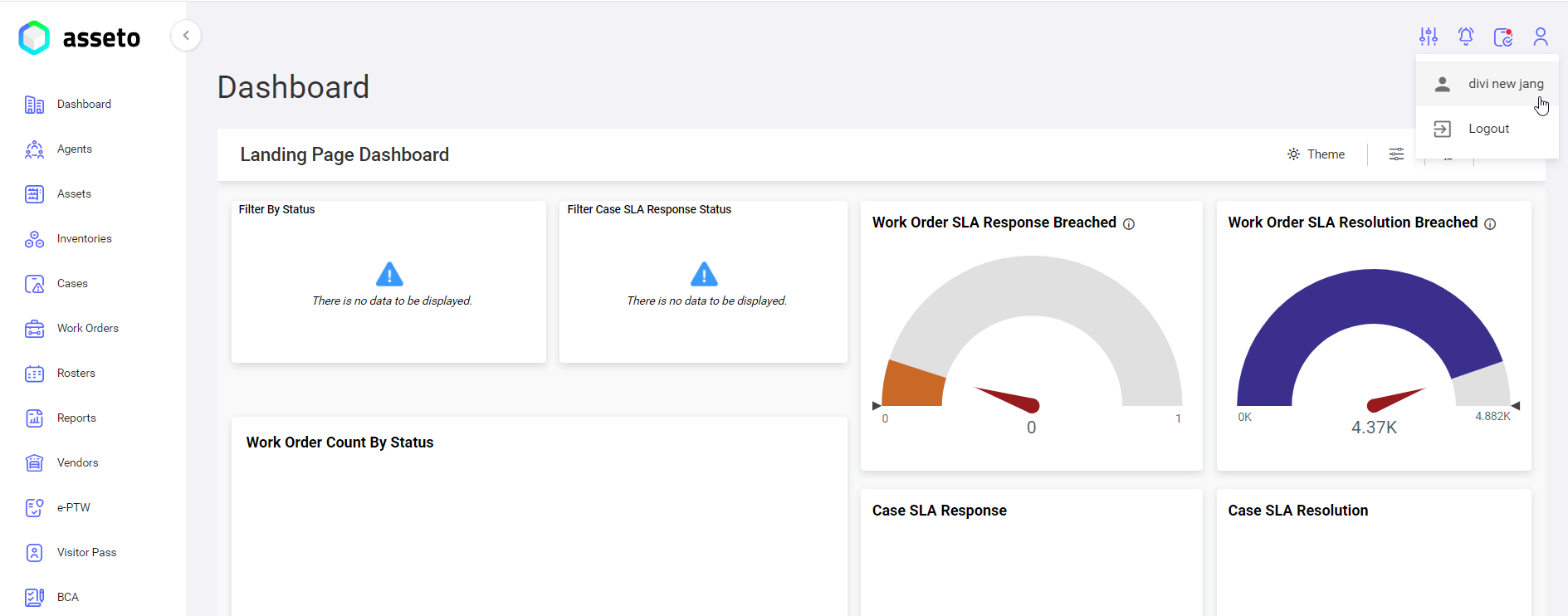
2.4. Agent Login Procedure
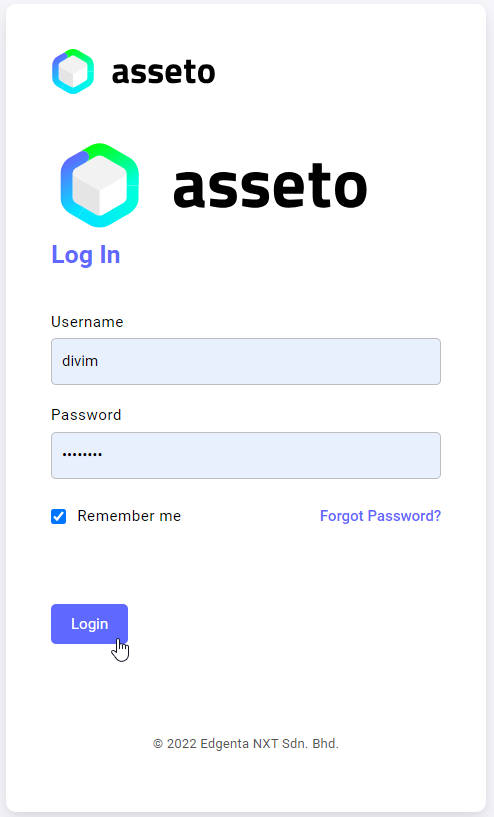
Registered users will receive an account confirmation mailemail withcontaining temporary credentials and a login link for the Asseto application. This will be sent to login for asseto application tothe registered mailemail idID (mentionedprovided on the new agent registration page).page.
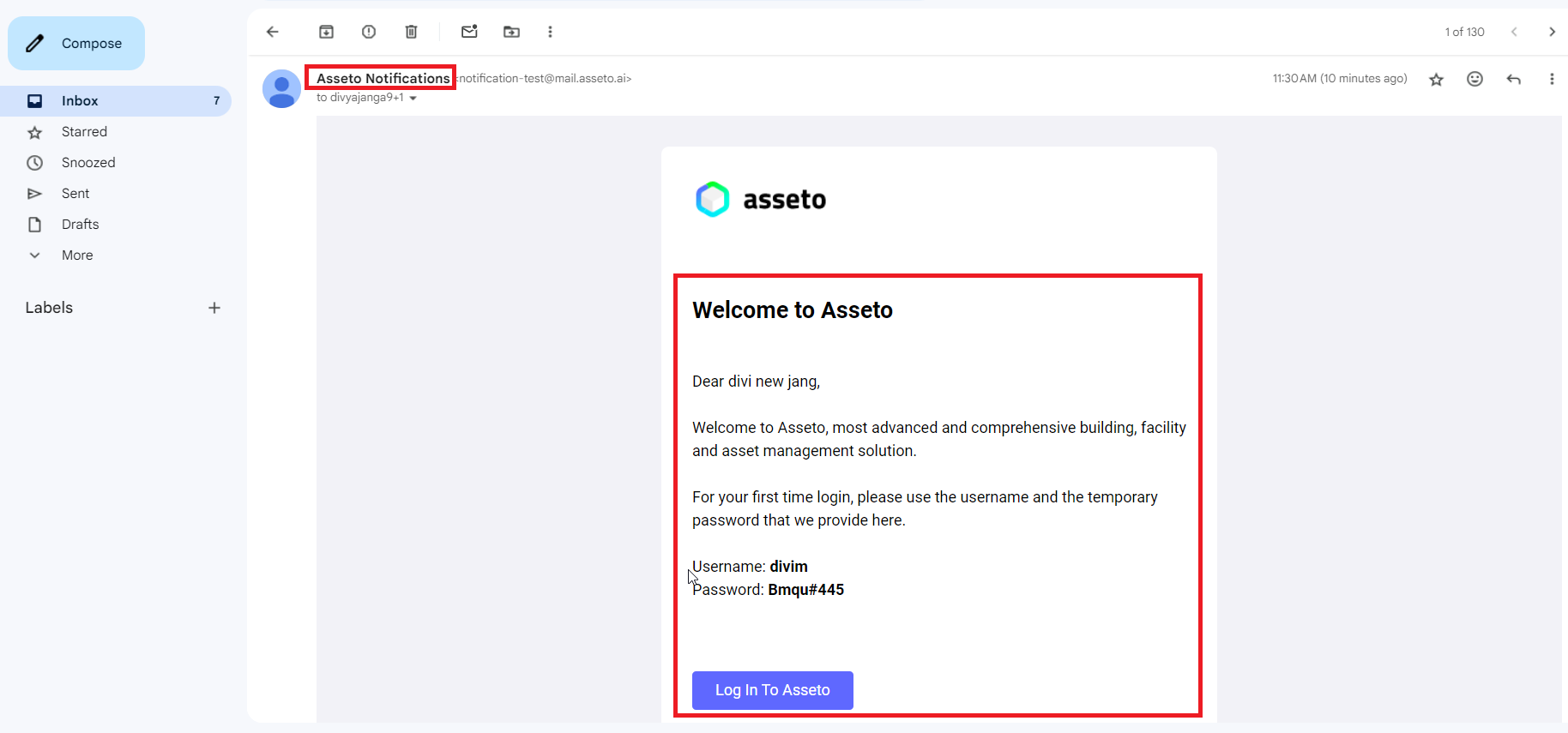
Once the agent clicks on “logthe "Log in to asseto”Asseto" button, agentthey will be navigateddirected to the assetoAsseto login page,page, youwhere willthey becan loginlog within using the temporary credentials. AsThis shownprocess byis belowillustrated screenshot.in the screenshot below.
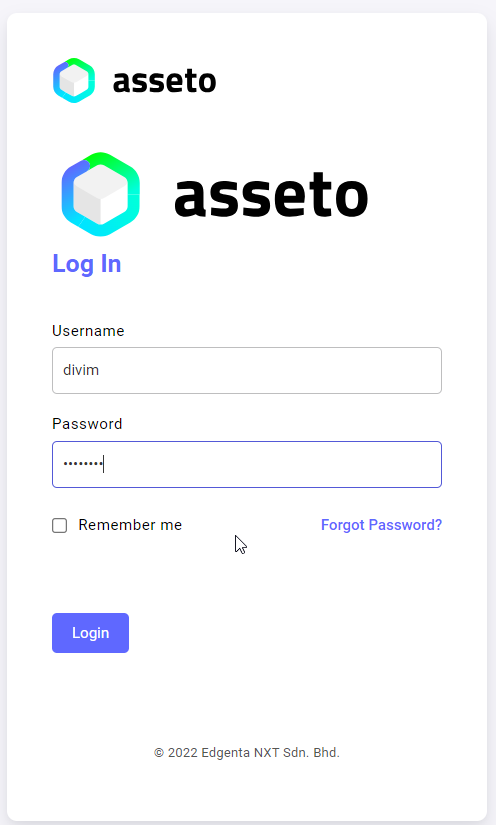
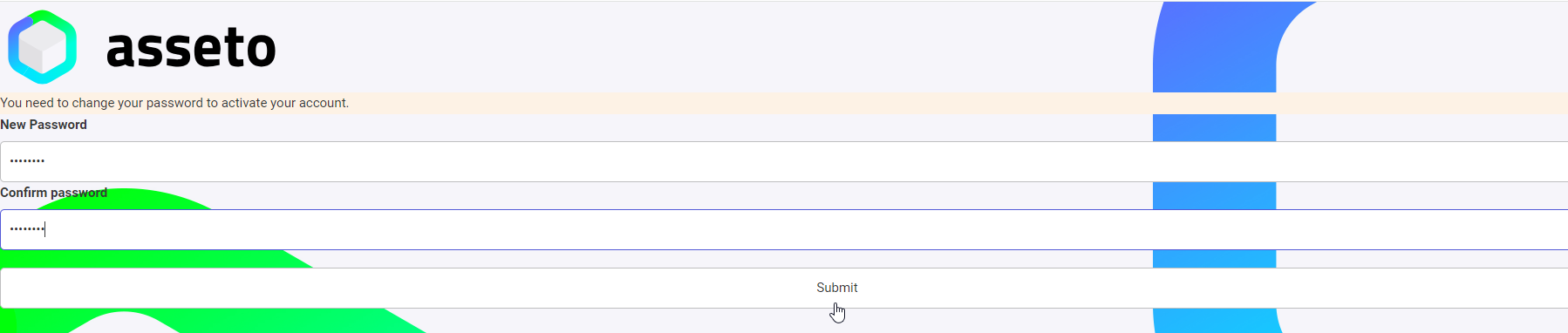
A confirmation message will be displayeddisplayed: “you"You need to verify your email address to activate your account”. account."

LinkVerification link will sendbe sent to mail.email.
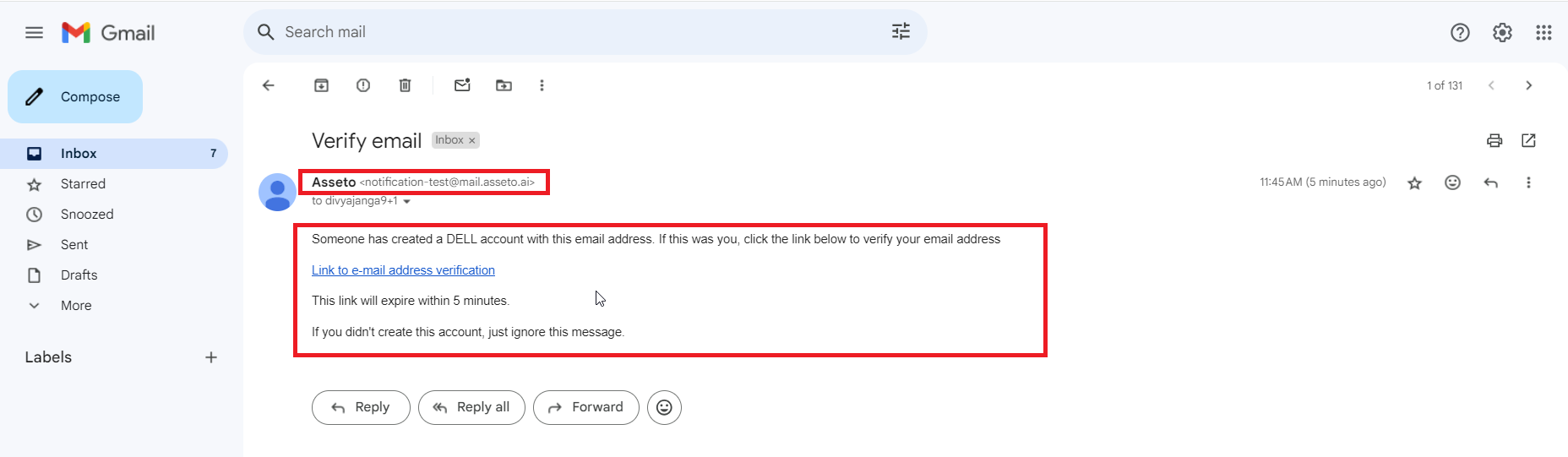
Click on the link availableprovided in mail. Users will be navigated to asseto user agreement page.
Click on the checkemail. box then the accept button will be enabled. Click on accept buttonThe user will be directed to the assetoAsseto user agreement page.
Click the checkbox to enable the accept button. Once clicked, the user will be directed to the Asseto landing page (dashboard).